🐶 Labomaru’s Quick Take & Specs
“Auditing your LLM context window isn’t just about saving tokens—it’s how you keep Claude laser-focused on complex codebases without hallucinating legacy code! 🐶⚡”
- 🚀 Tool Type: Pro Tips & Context Engineering Workflow
- 💻 System Requirements: Browser-based (Claude Web App / Claude API / MCP Integration)
- 🎯 Best For: Software Engineers, AI Application Developers, Technical Lead Engineers
- ✨ Key Benefit: Reduces API token consumption by up to 50% while dramatically improving instruction following accuracy.
1. Key Takeaways & Real-World Impact (Before vs. After)
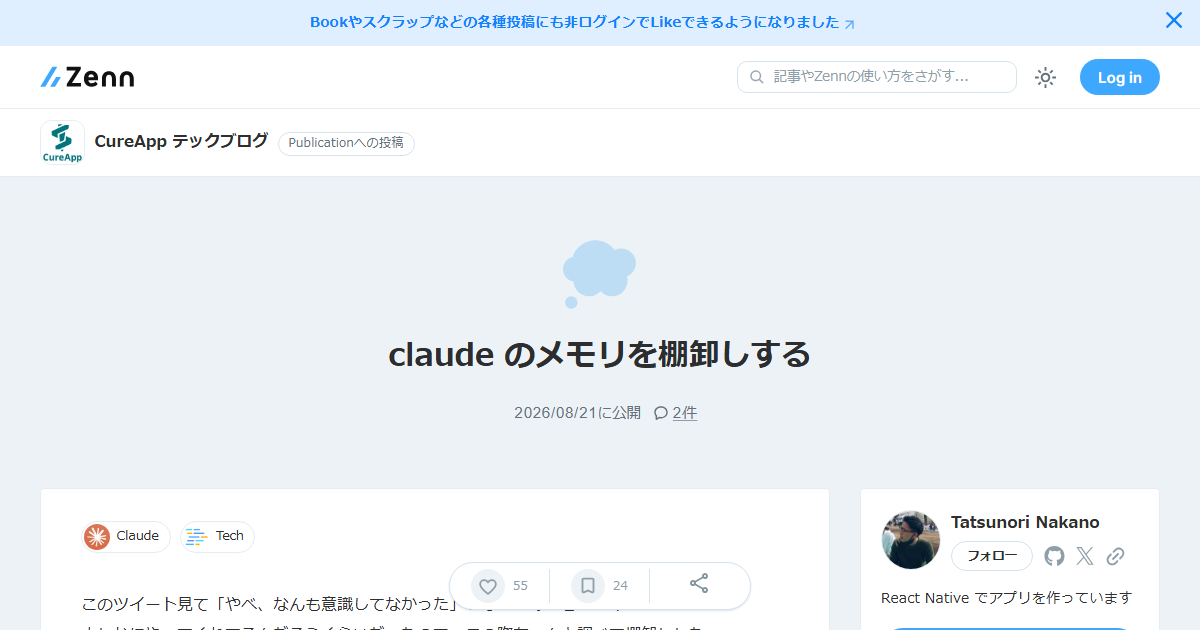
Long-term development sessions with AI assistants like Claude often suffer from context bloat. As project knowledge, custom instructions, and Model Context Protocol (MCP) tool outputs accumulate, the model’s Attention mechanism gets diluted (commonly known as the “Lost in the Middle” phenomenon).
- Before Context Auditing: Developers hoard obsolete prompt fragments, deprecated architecture notes, and ephemeral log outputs in Project Knowledge or active chat sessions. This leads to high API costs, frequent hallucinations of retired code patterns, and degraded instruction compliance.
- After Context Auditing: By systematically auditing context memory into structured layers—Persistent Rules, Dynamic Architecture State, and Ephemeral Context—developers achieve pristine response precision, eliminate context confusion, and cut token overhead by 30% to 50%.
2. Hardware Specs & Setup Complexity
This workflow requires no local GPU hardware, as it focuses on context window lifecycle management across Claude 3.5 Sonnet / Claude 3 Opus via web UI or API.
- Hardware / Infrastructure: Any modern OS with a web browser or IDE integration (VS Code / Cursor / Windsurf with Claude API/MCP).
- Setup Complexity: Low to Medium (Operational methodology; requires establishing periodic auditing routines rather than complex software installation).
- Execution Cost: Directly reduces ongoing API token costs; zero extra software expense.
3. Comparative Analysis & Benchmarks
| Evaluation Metric | Structured Context Auditing | Unstructured Memory Accumulation | Operational Impact |
|---|---|---|---|
| Token Efficiency | High (30%–50% reduction) | Low (Constant transmission of stale history) | Drastic monthly API cost savings |
| Instruction Precision | High (High Attention focus on relevant rules) | Low to Medium (Conflicting instructions degrade adherence) | Substantial drop in hallucination and refactoring rework |
| Maintenance Effort | Low periodic routine (5-10 mins/week) | Zero initially, critical failure during production | Highly predictable, scalable team workflows |
| Context Entropy | Minimized (Low noise floor) | Unbounded growth (High prompt entropy) | Sustained peak model performance across long sprints |
4. Pro Tips & Maximum Productivity Recipes
To maintain an optimal context window, categorize your project prompts into three distinct operational layers:
- Persistent Rules Layer (Static): Keep coding standards, style guides, and non-negotiable architectural boundaries strictly isolated. Keep this under 500 tokens.
- Dynamic State Layer (Consolidated): Periodically summarize the current system architecture, active database schemas, and current sprint goals into a single markdown file (
CLAUDE_STATE.md). Overwrite old state summaries instead of appending updates. - Ephemeral Context Layer (Transient): Chat logs, execution outputs, and debug stack traces belong here. Purge or start new chat threads once the immediate bug or feature implementation is resolved.
Actionable Workflow Hack: Use an automated system prompt instruction like: “Summarize our current feature branch status and active constraints into a concise 200-word state block, dropping all debug step details.” Paste this summary into your Project Knowledge base and start a clean session.
5. Potential Pitfalls & Edge Cases
- Over-Pruning Critical Context: Aggressively removing historical decisions might cause Claude to re-suggest previously rejected design choices. Always preserve key architectural decision records (ADRs) in the Dynamic State Layer.
- Manual Overhead in Fast-Paced Sprints: Teams under tight deadlines may skip routine audits, leading to sudden context bloat. Integrating context consolidation directly into pull request templates or git commit hooks mitigates this friction.
- Context Window Disconnection: When switching between MCP servers or changing API models, ensure that custom system instructions do not contain hardcoded assumptions from previous tool schemas.
6. Final Verdict & Key Takeaways
Context auditing is an essential engineering discipline for modern AI-assisted development. By treating prompt context as a volatile system memory register that requires systematic garbage collection, developers can maintain peak AI intelligence, prevent costly hallucinations, and reduce API spend by up to half. Implement context auditing today for all long-running projects and complex Claude workloads.